ROADMAP & RELEASES
Latest updates for Optimizely Opal
AI that is always at your fingertips, always bringing expertise, and always specific to your brand. Stay up-to-date on what's coming to Opal platform.
Looking for Opal roadmap features for specific Optimizely products? Navigate to other product roadmap pages via the "Browse by roadmap" dropdown in the upper righthand corner of the page.

Limitless 1:1 ABM
Builds the content to convert per account, perpersona, and per buyer.
- Agent-built from CRM data and real account research, lives on an actual crawlable URL on your domain, and inherits your existing design system
- Agents refresh content automatically when CRM signals shift, news breaks, or competitors move
- Full audit and edit control, with native connections to Salesforce and outbound channels so action follows every insight
Adaptive Intelligence
A data layer that no other system has: trained on what actually converts so you can optimize without the work.
- Builds an org-specific model that learns your audience behavior, and interaction patterns, sharpening with every pageview, action and experiment.
- Surfaces the audiences you're underserving and the opportunities worth acting on
- Delivers optimization ideas specific to your site — new cohorts, test hypotheses, predicted lift
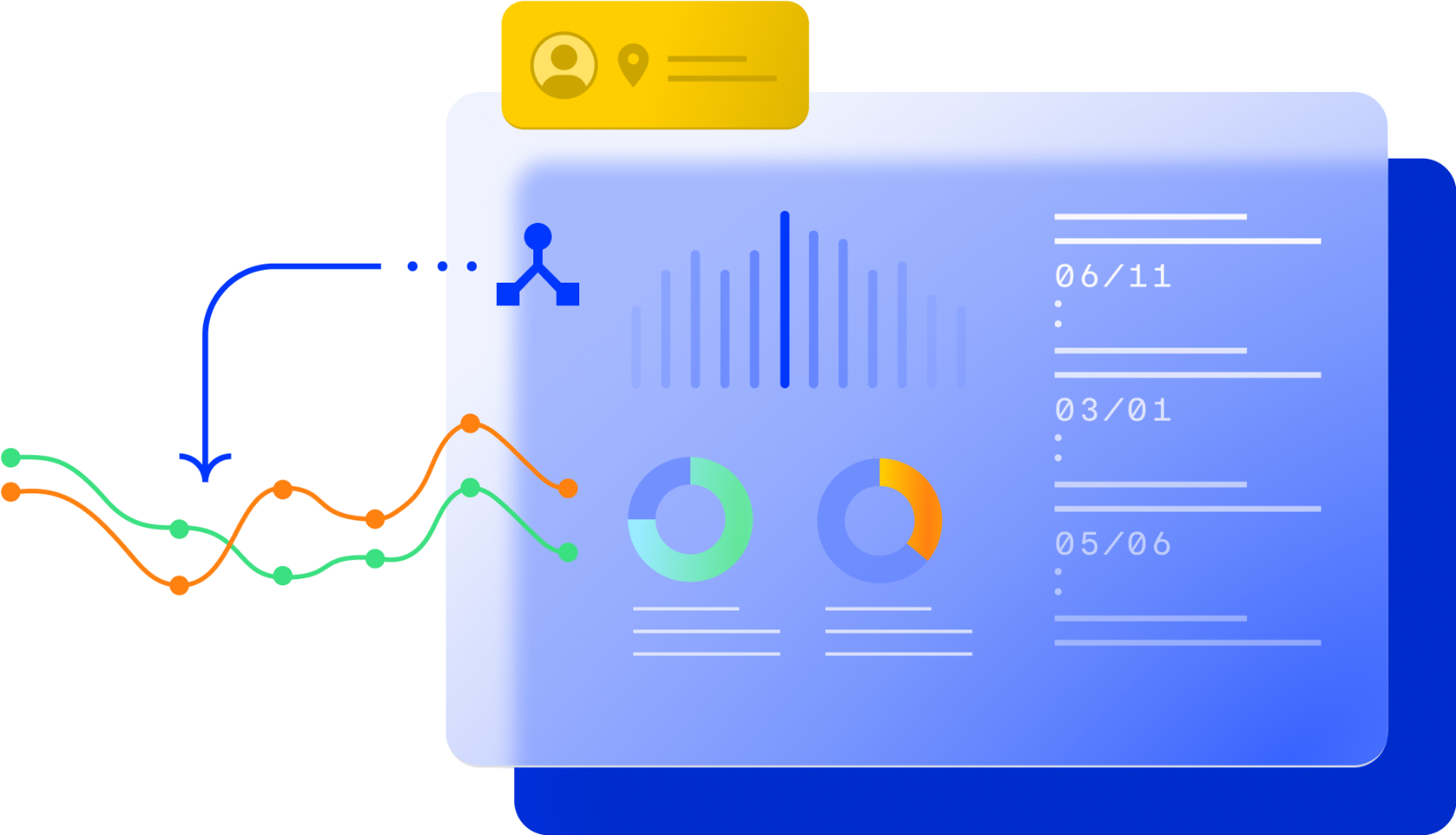
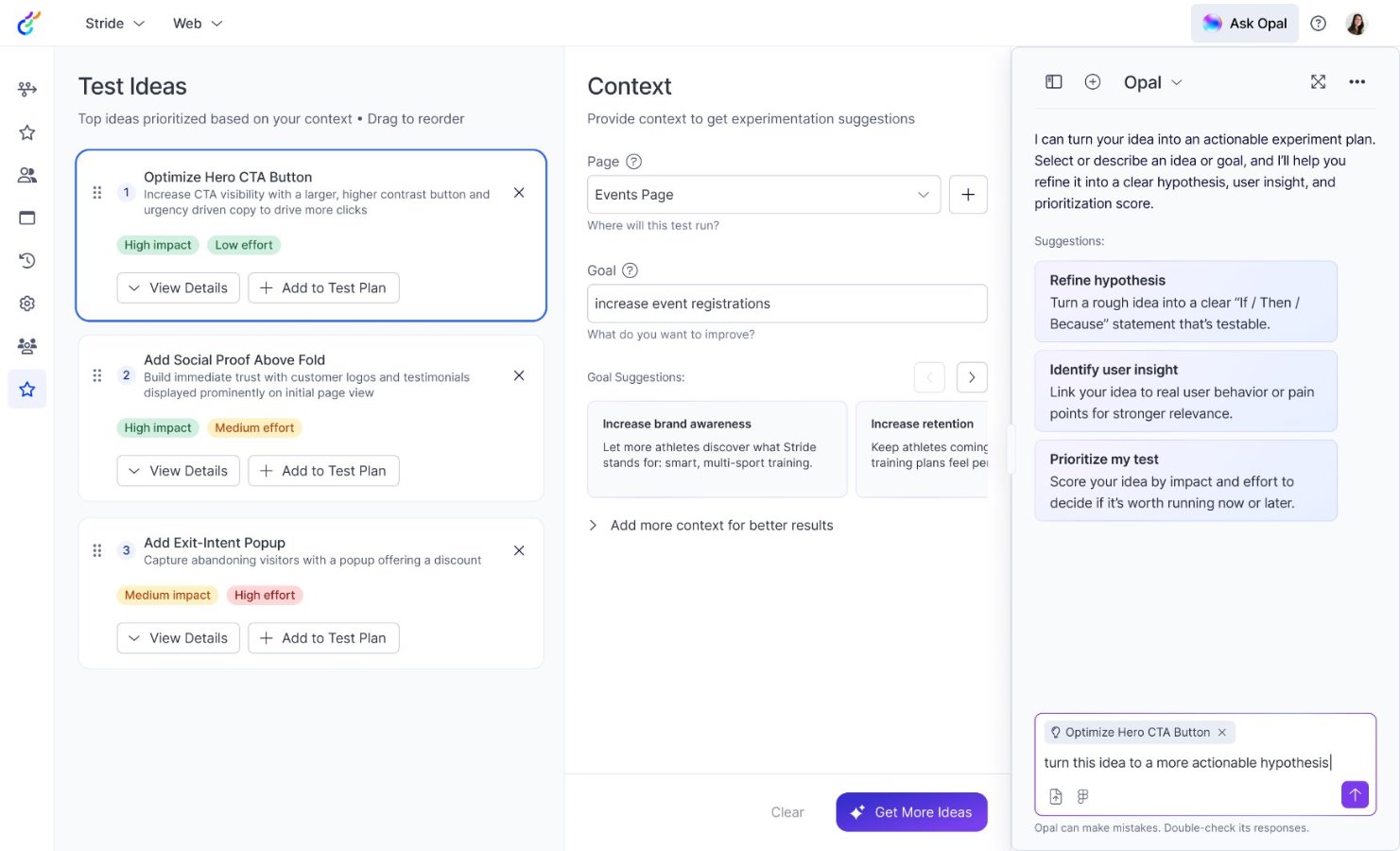
Action Cards
Drive faster outcomes by acting on AI-poweredrecommendations directly in your workflow. Surface dynamic, actionable UI components with AI-generated recommendations and inputs, and act on next steps without swtiching tools.
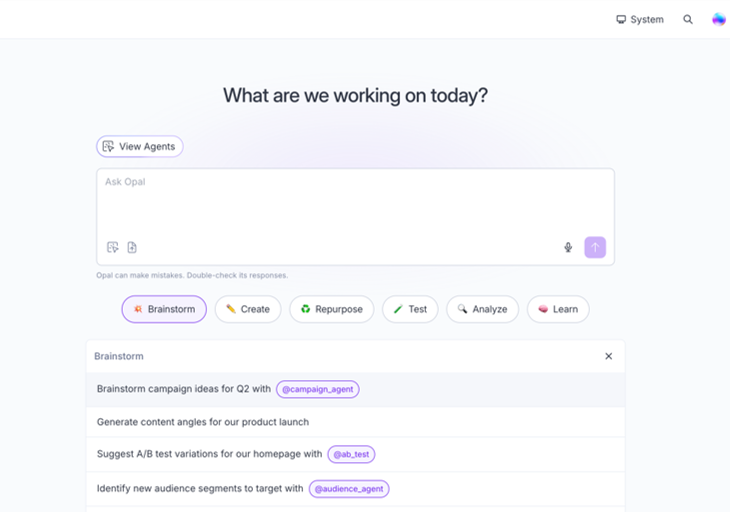
Ready-to-use Prompts
Pre-populated prompts that get users into actionfrom the moment they open Opal.
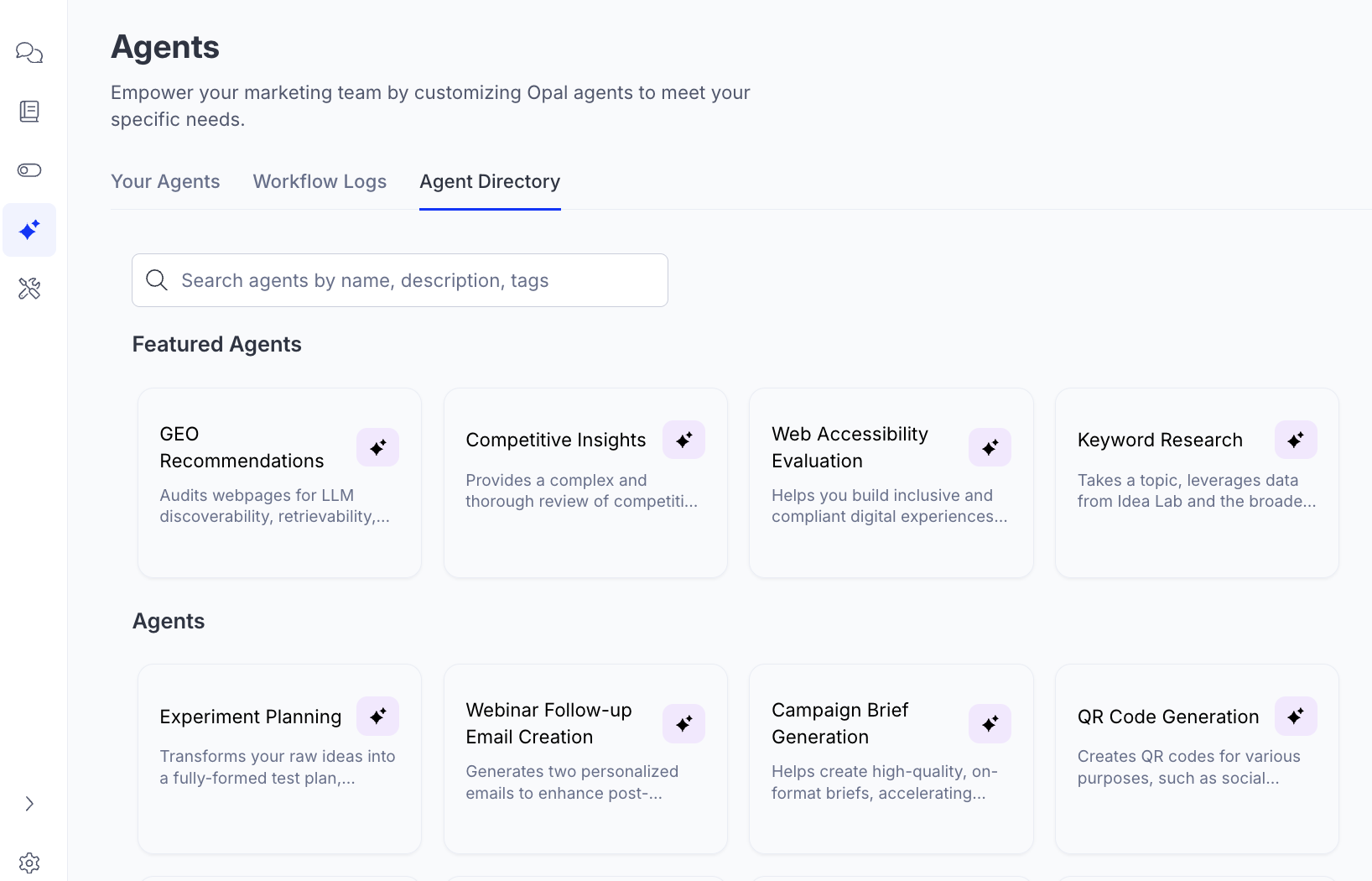
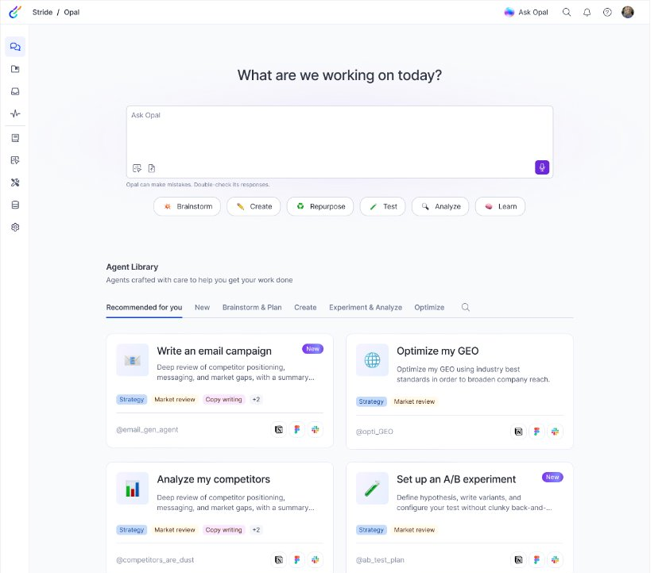
Agent Library
Browse, explore, and launch pre-installed agents without setup or guesswork.
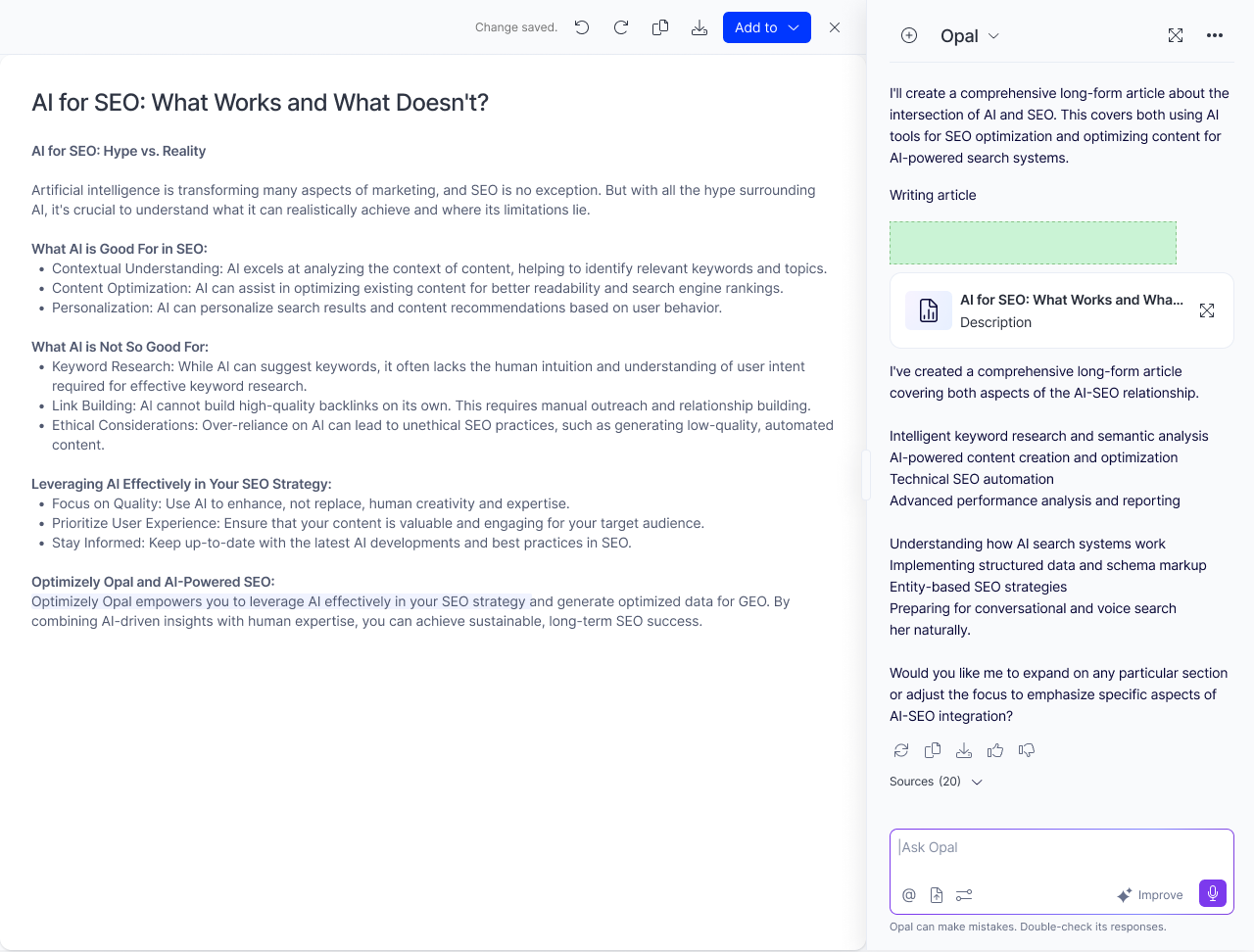
Artifacts Tab
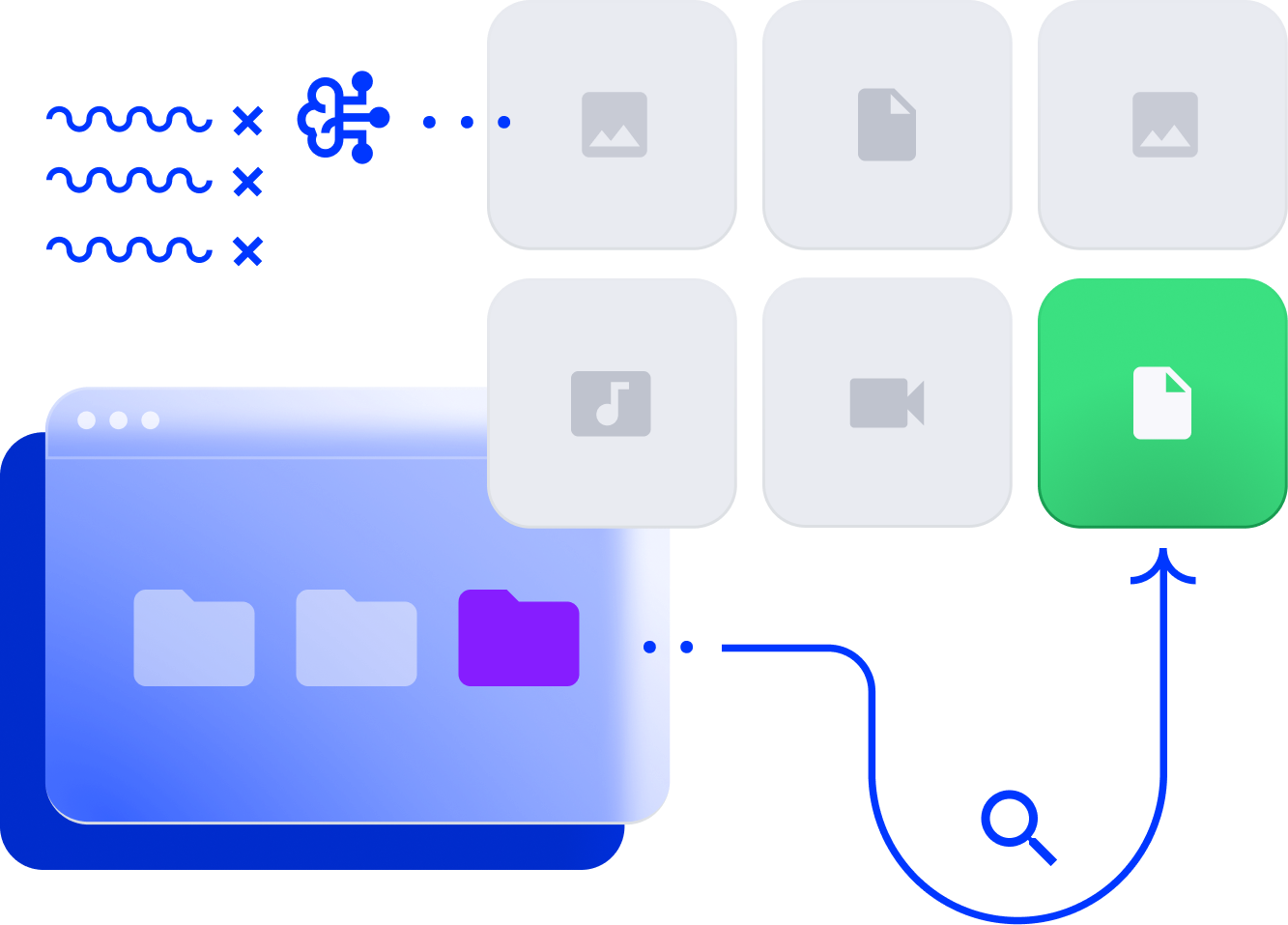
Browse, search, and manage canvas elements, action cards, code outputs, and generated documents across all chat sessions.
Guided Onboarding
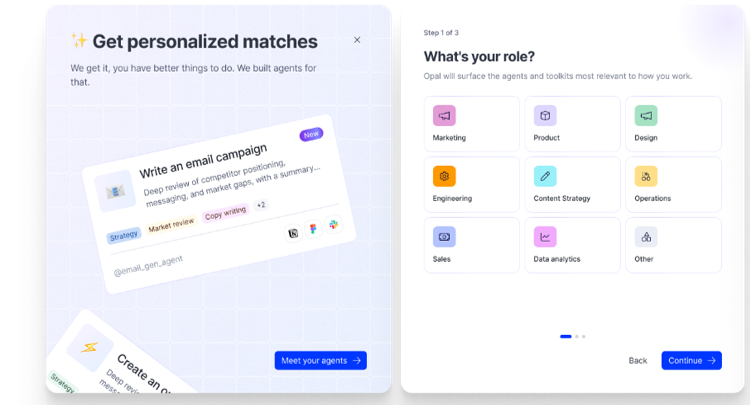
When getting started with Opal, users select their role and get a pre-configured Agent Kit with the agents, tools, and context that match their persona
Voice Mode
Talk to Opal hands-free and get answers read back toyou — no typing required.

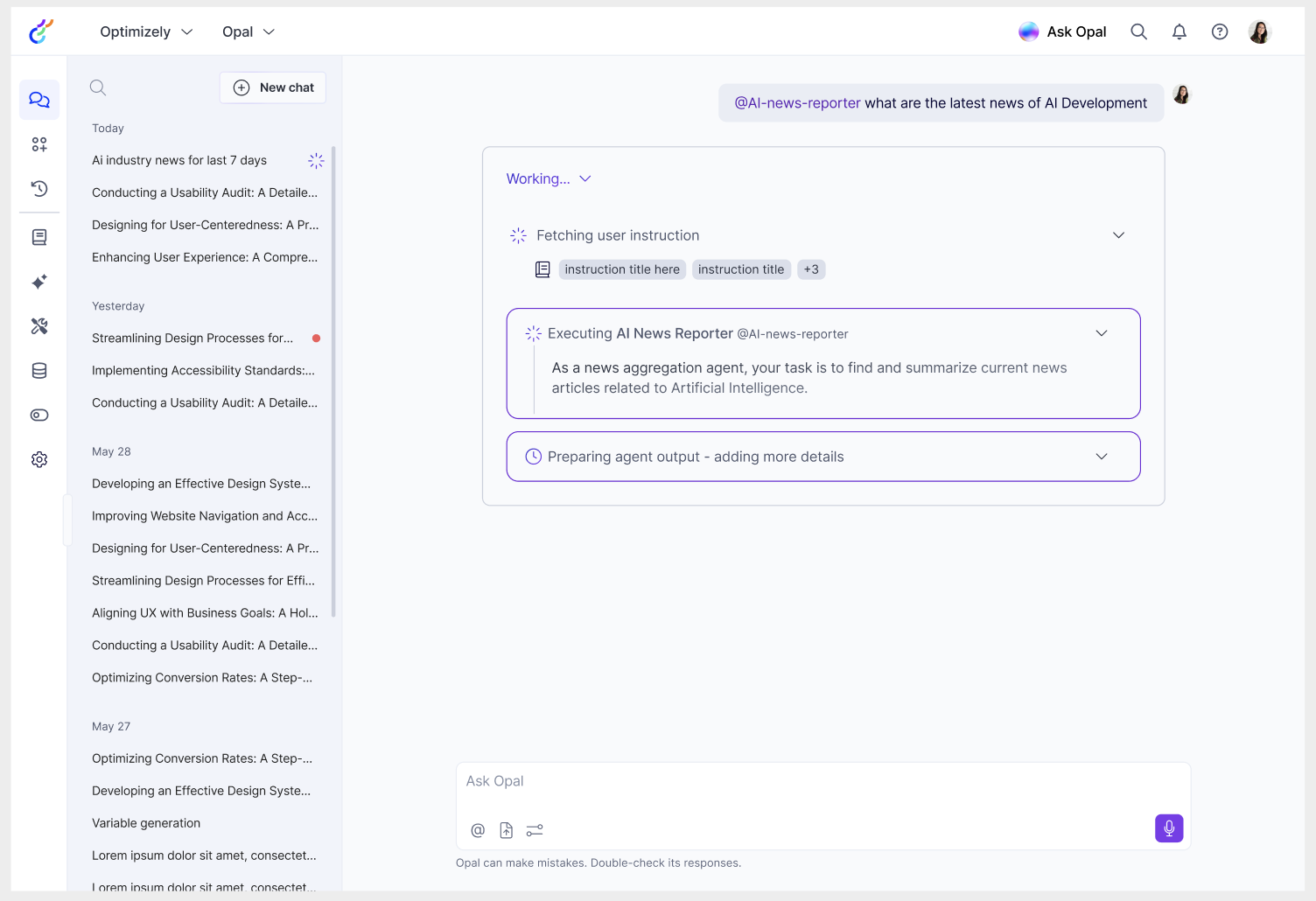
Conversational Agents
Chat back and forth with your agents to collaborate until the output is just right.
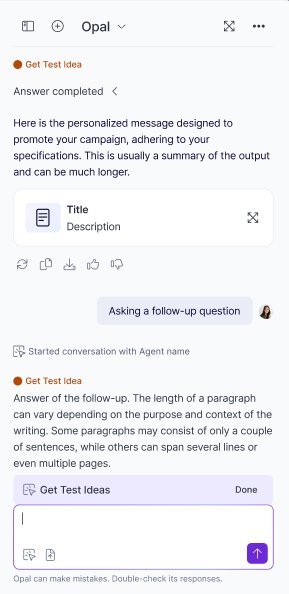
Image Generation Improvements
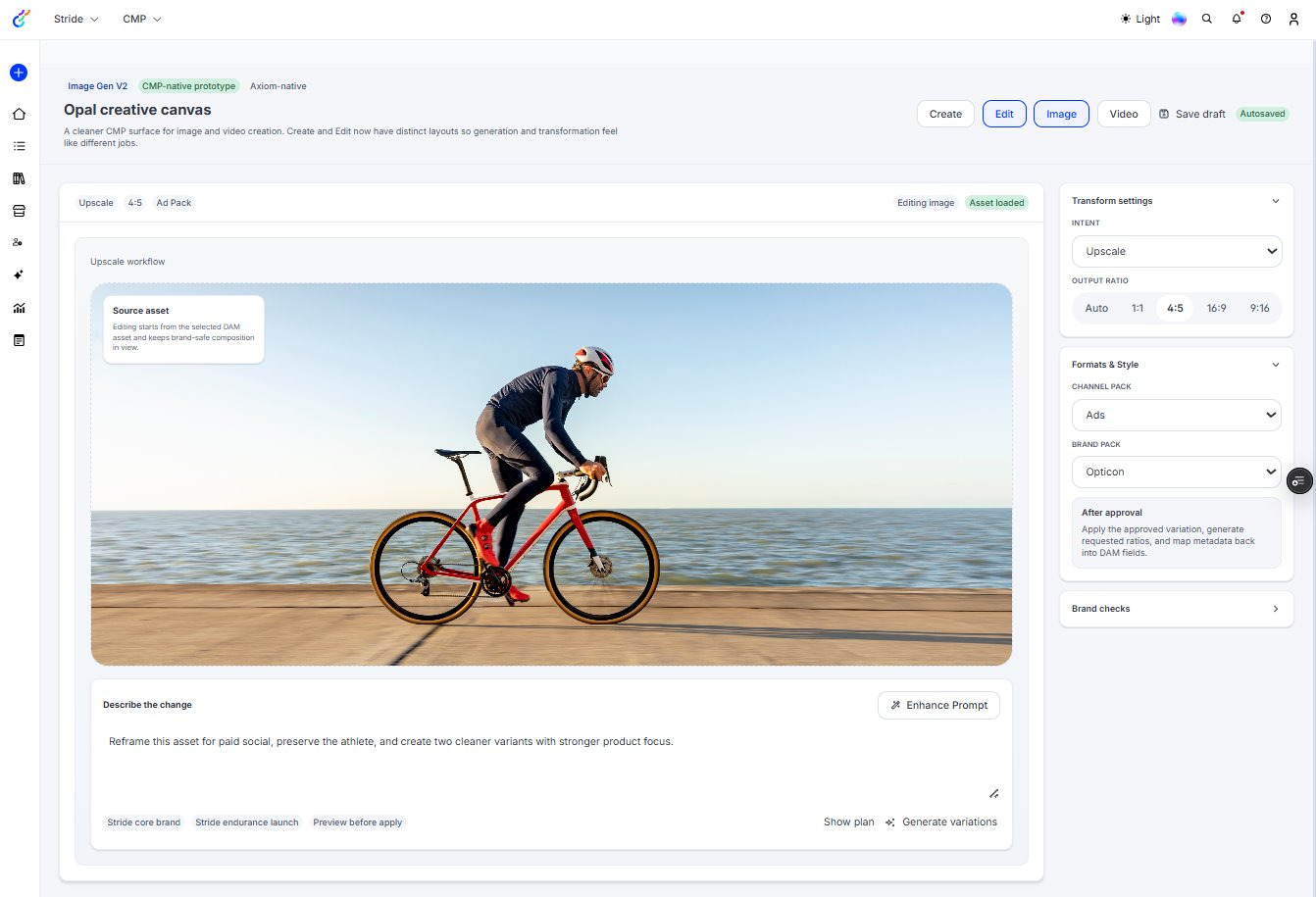
Reliable image generation, with structured inputs, template-based production, and multi-brand support, so you can confidently generate images across every format, every campaign, and every brand.
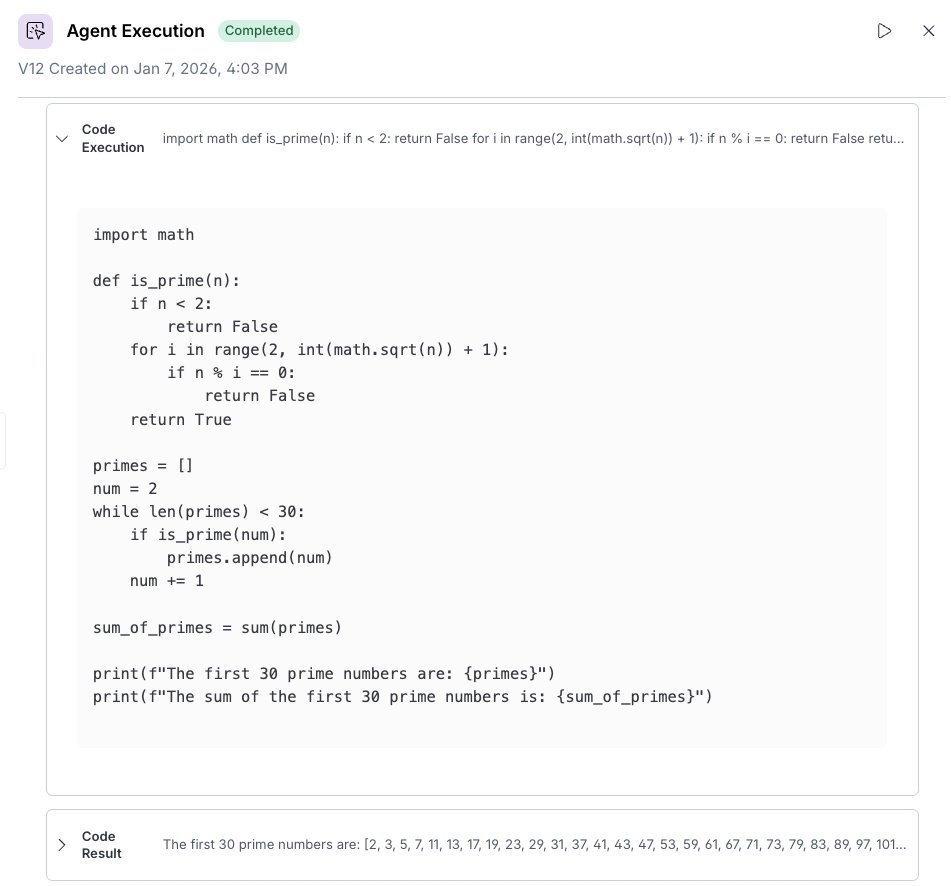
Code Execution Environment
Opal writes and runs Python code in a secure sandbox, turning prompts into actual files (PowerPoint decks, Excel reports, charts, and data analysis outputs) for you to share and use.
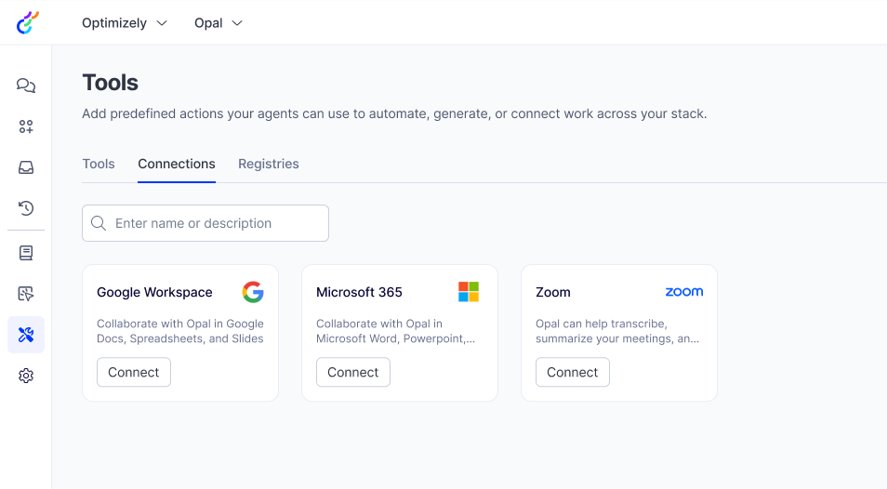
Connective Tools
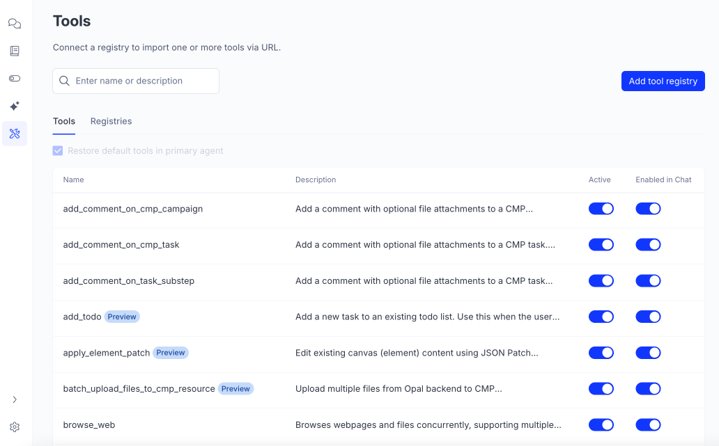
You'll be able to connect Opal to your favorite platforms so you can pull in data and execute with powerful agents. We're adding tools for: Zoom Meetings & Webinars, Google Workspace, Google Ads, Adobe Analytics, Google Chat, and Microsoft Teams.
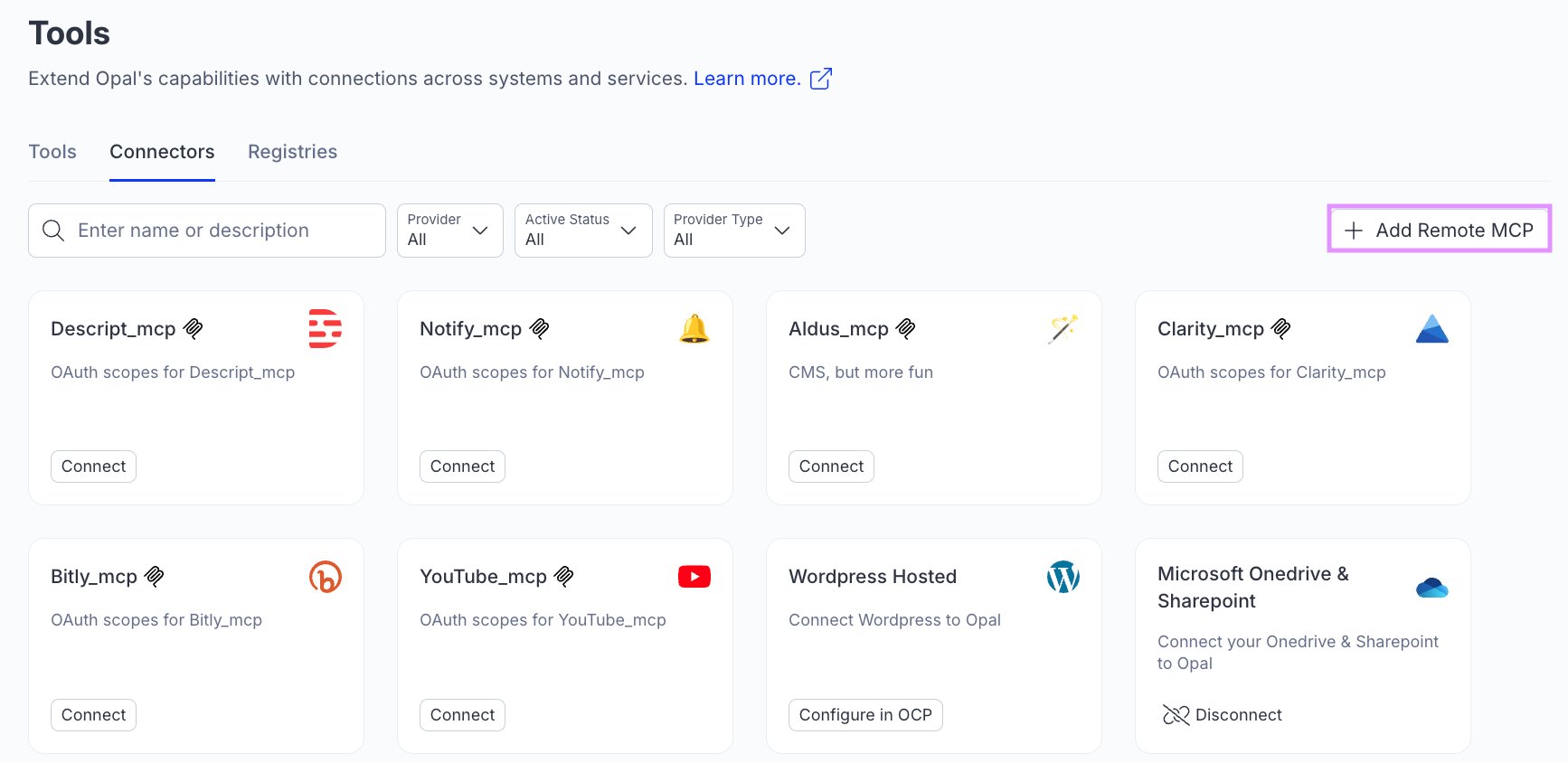
Add Remote MCPs
Connect Opal to any platform by adding a remote MCP in just a few steps.
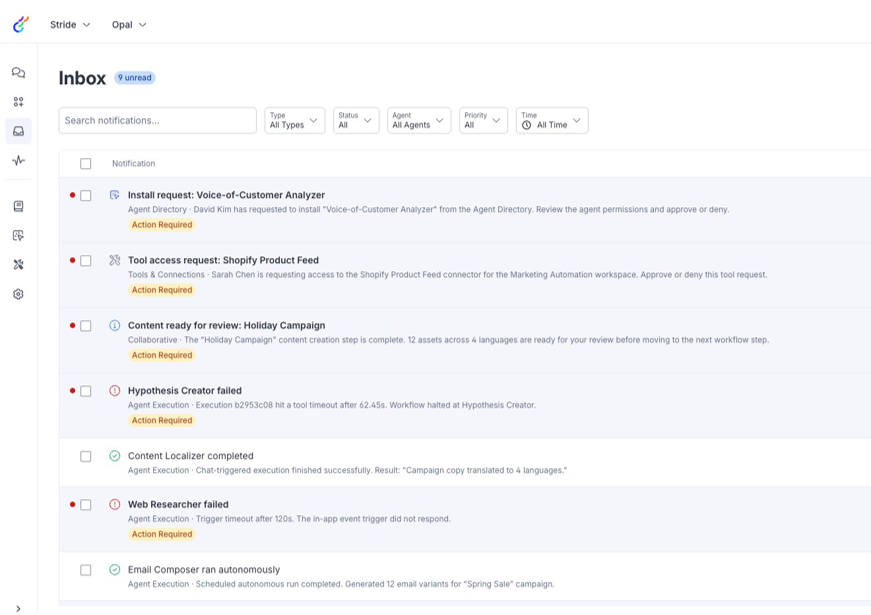
Notifications
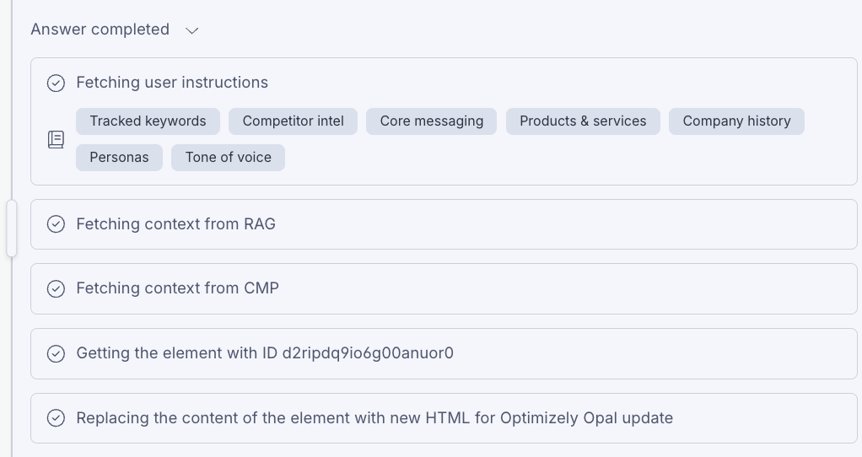
Get notified (in-app, via toast alerts, or email) of execution completions, failures, guardrail violations, auth expirations, and install requests — all with deep-links straight to the relevant context.
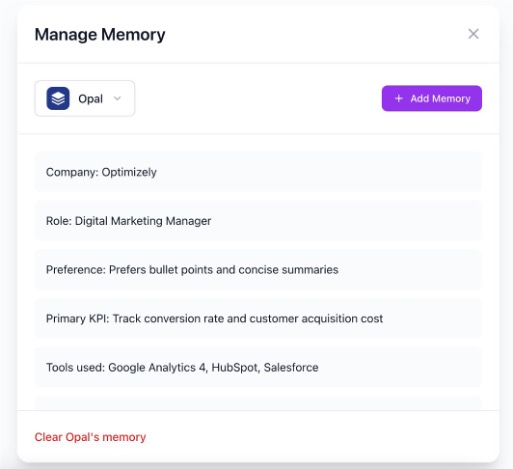
Personal Memory
Opal will store and retrieve your individual past interactions and preferences, enabling adaptive, continuous support and higher quality outputs.
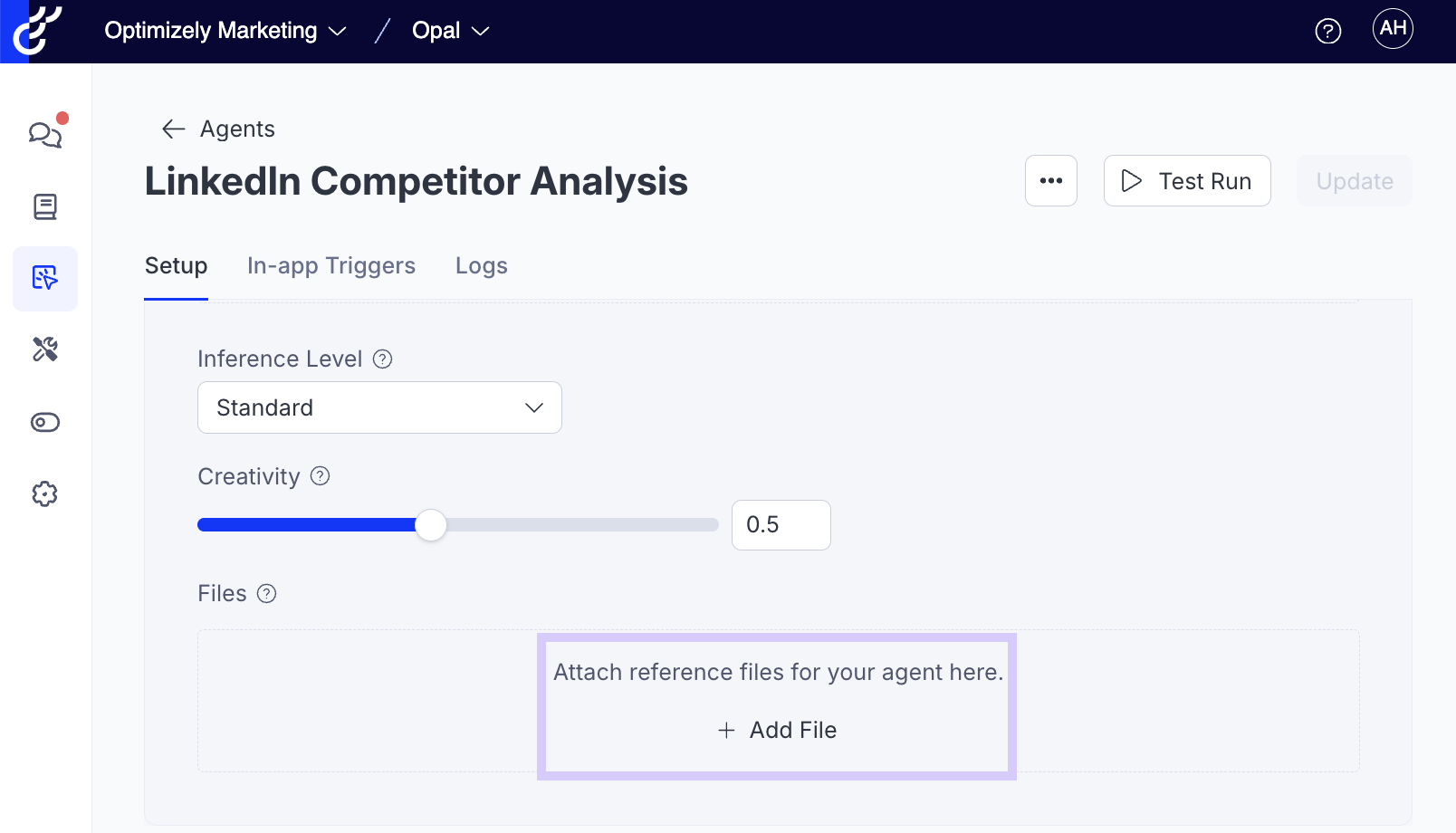
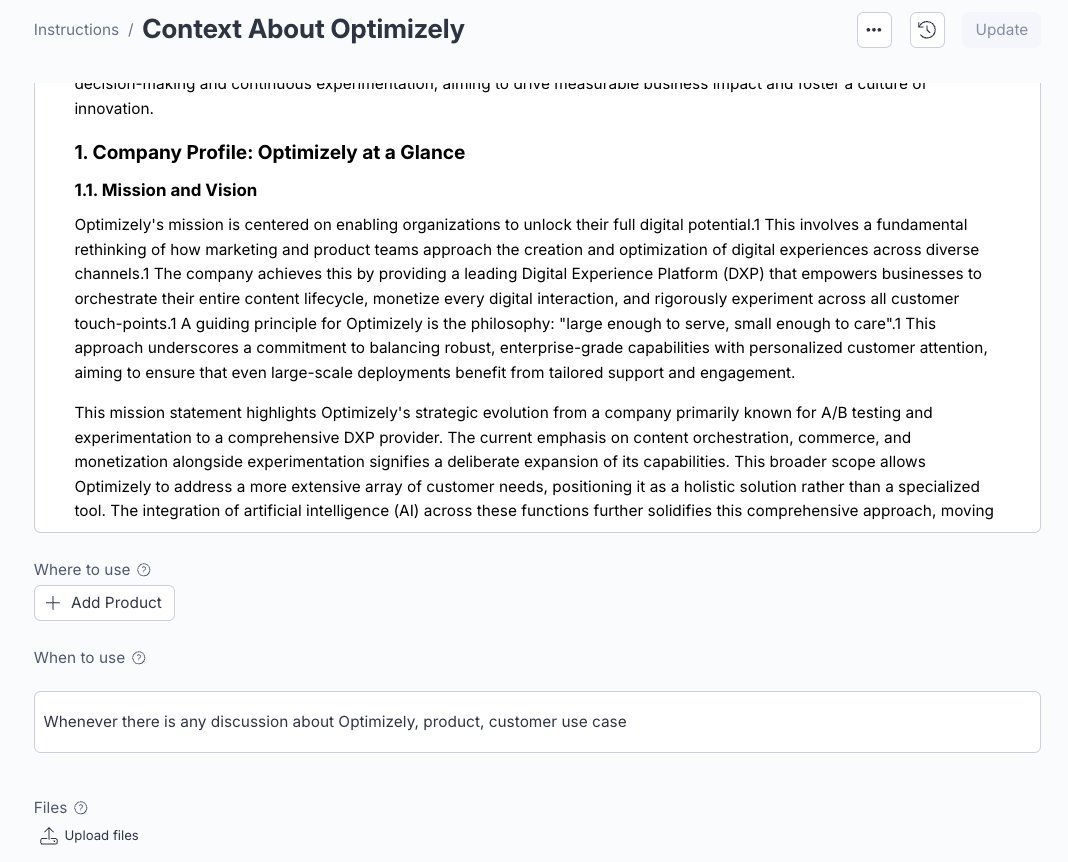
Attach Files to Instructions
Easily provide any reference file — PDFs, spreadsheets, schemas, style guides — directly to an instruction.
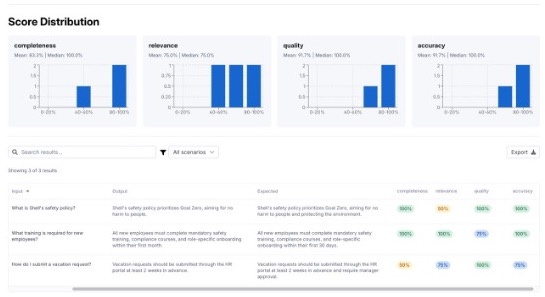
Agent Evaluations
Provides live monitoring and performancereviews of your AI agents, verifying their quality and output consistency and accuracy.
Execution Guardrails
If an agent's behavior breaches theseboundaries or "guardrails" (e.g., exceeding toolcall limits), Opal will automatically alter how the agent is running to ensure proper execution.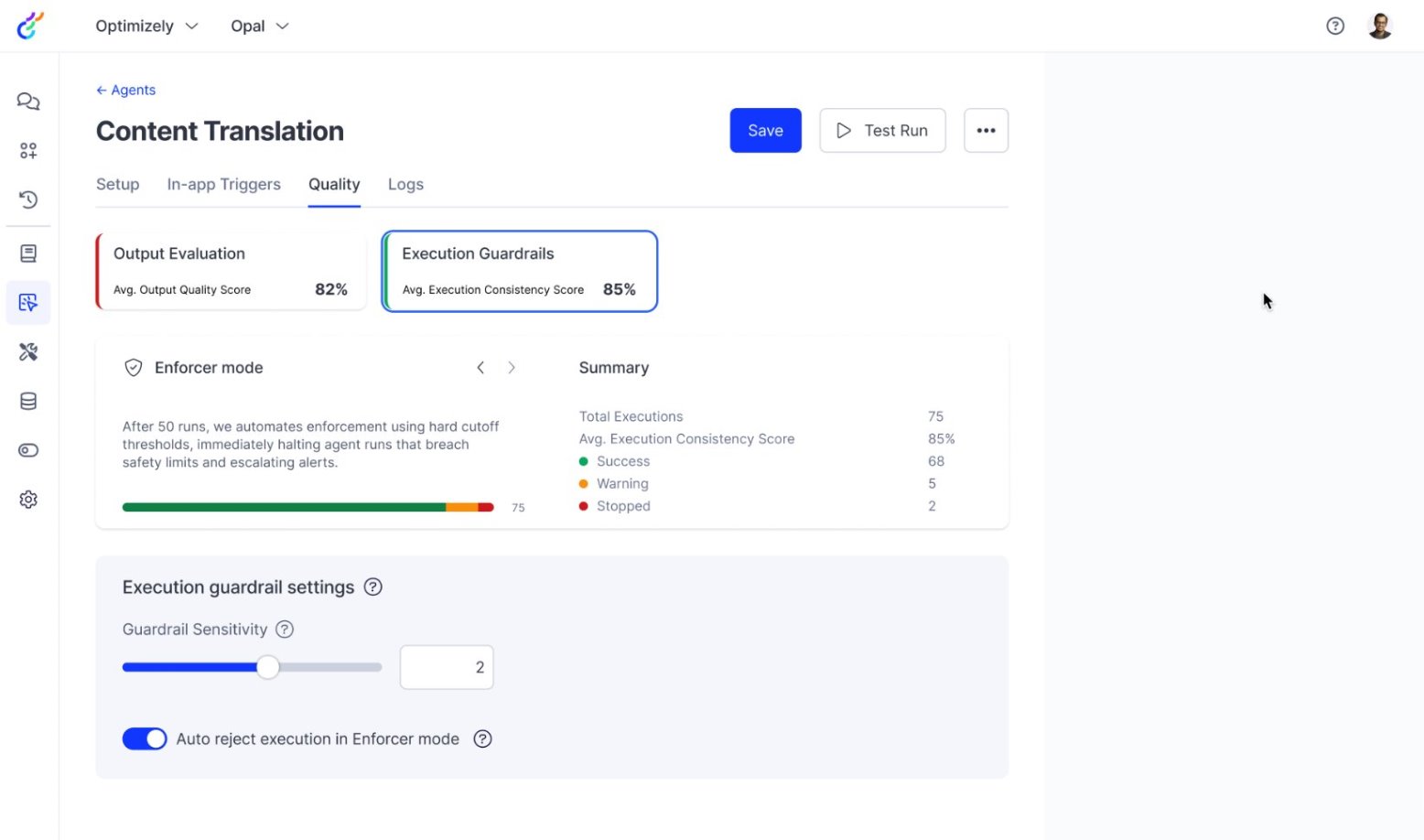
Agent Building Assistance
Provides UI-based assistance for authoring andconfiguring agents, giving proactive guidancebased on successful agents and catchingpotential issues before agents are put intoproduction.
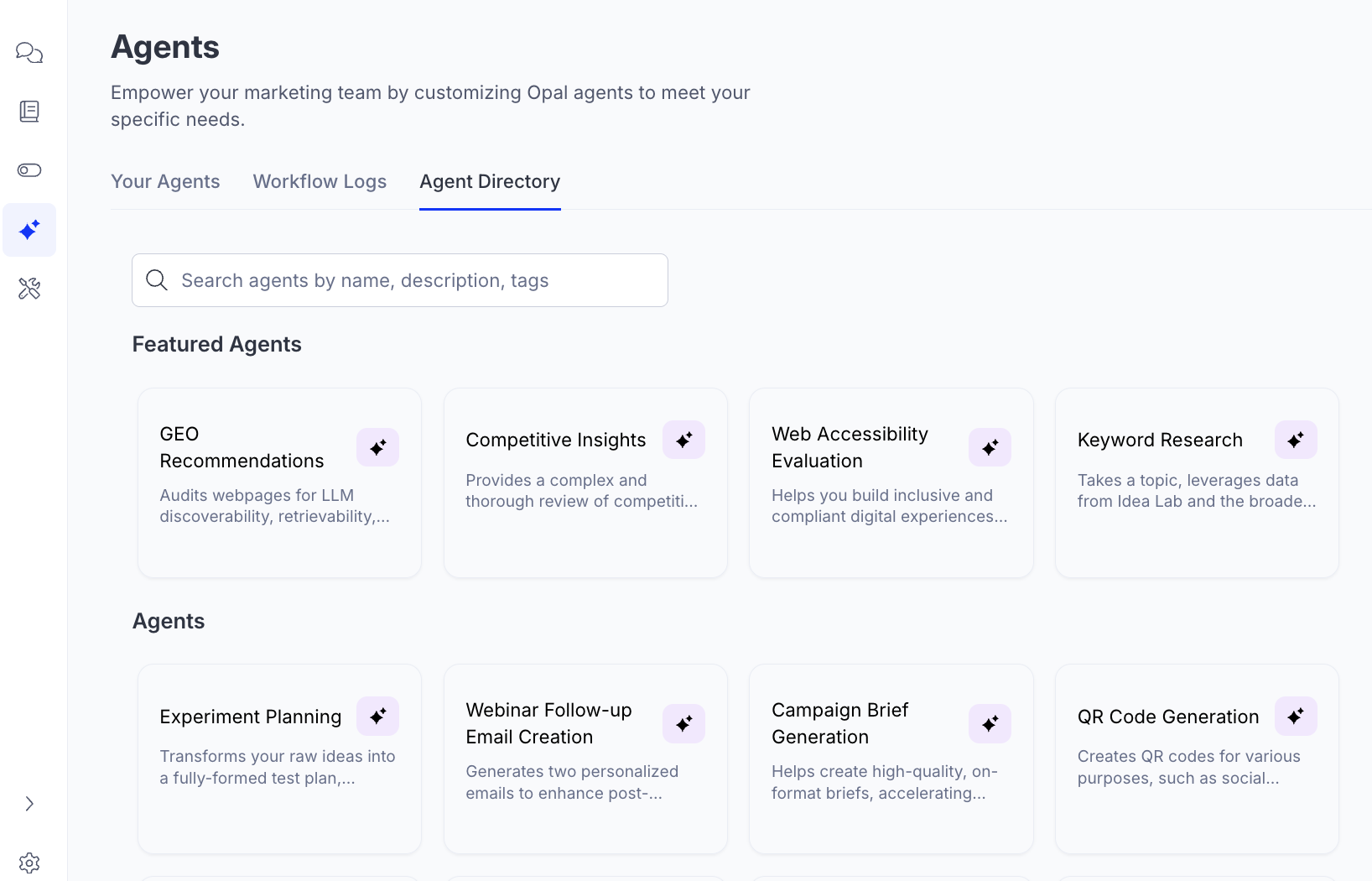
New Agents
Continuous additions of pre-built agents that are easy to leverage and customize for your specific needs.
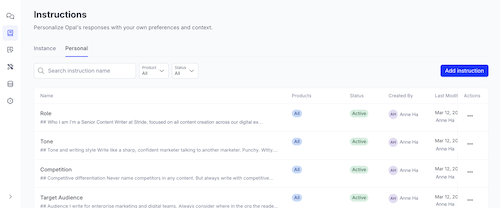
Personal Instructions
Users can define custom skills and context — from communication preferences to domain expertise to task-specific behaviors — that Opal intelligently applies to your conversations.
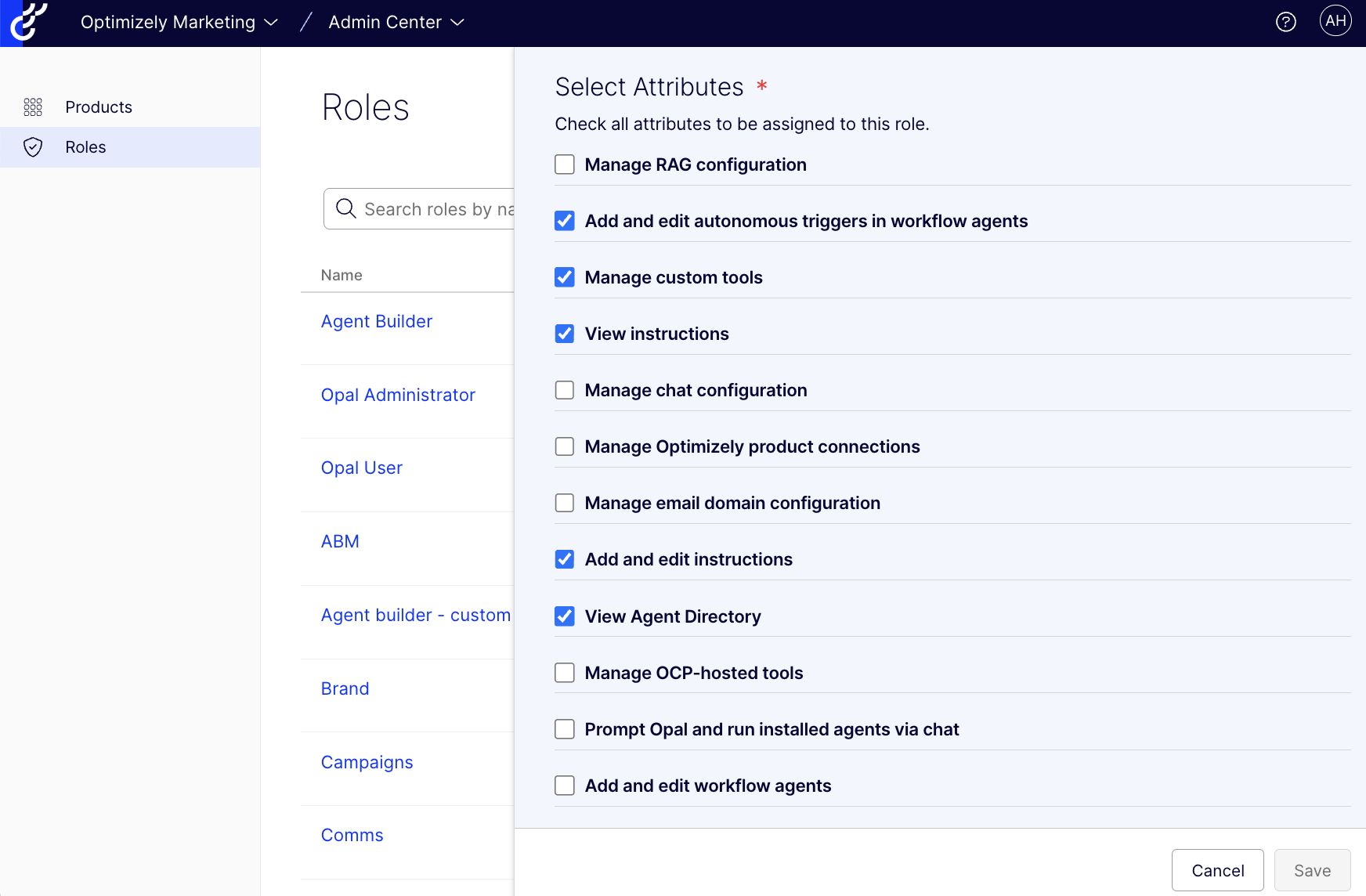
User Roles & Custom Permissions
We introduced 3 types of roles: User, Agent Builder and Admin. Orgs can also tailor permissions to ensure proper access – nothing more, nothing less.
Example Shots for Agents
Reference outputs as example shots in your agent prompt template to improve agent output.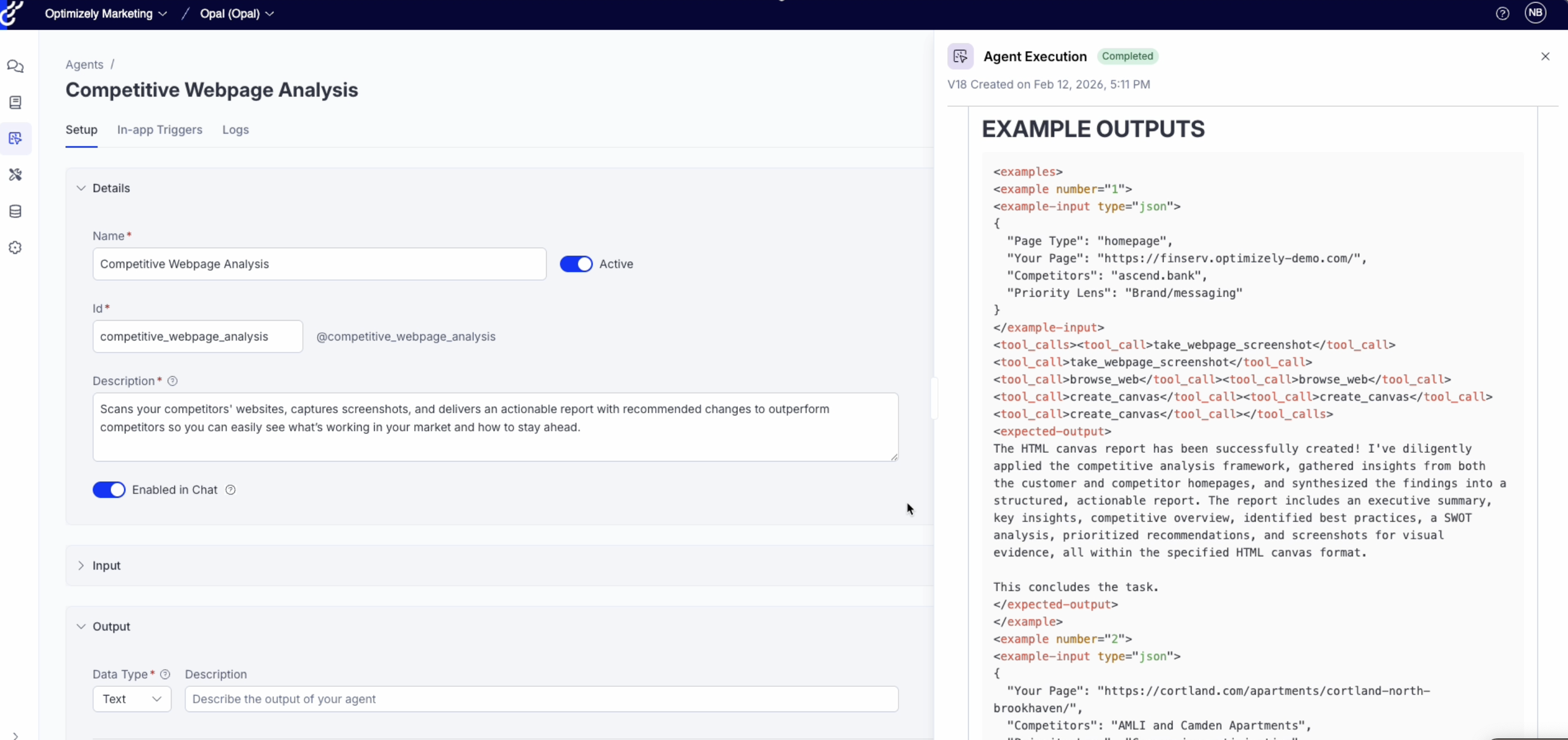
New Agents
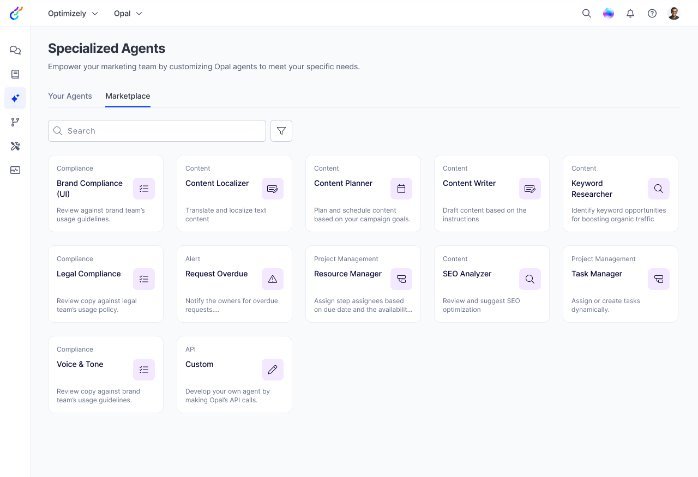
We released 15+ ready-to-use agents, including FAQ Creation, GEO Schema Optimization, GEO Auditor, Social Post Research and more. See all our agents in the Agent Directory.
New Tools
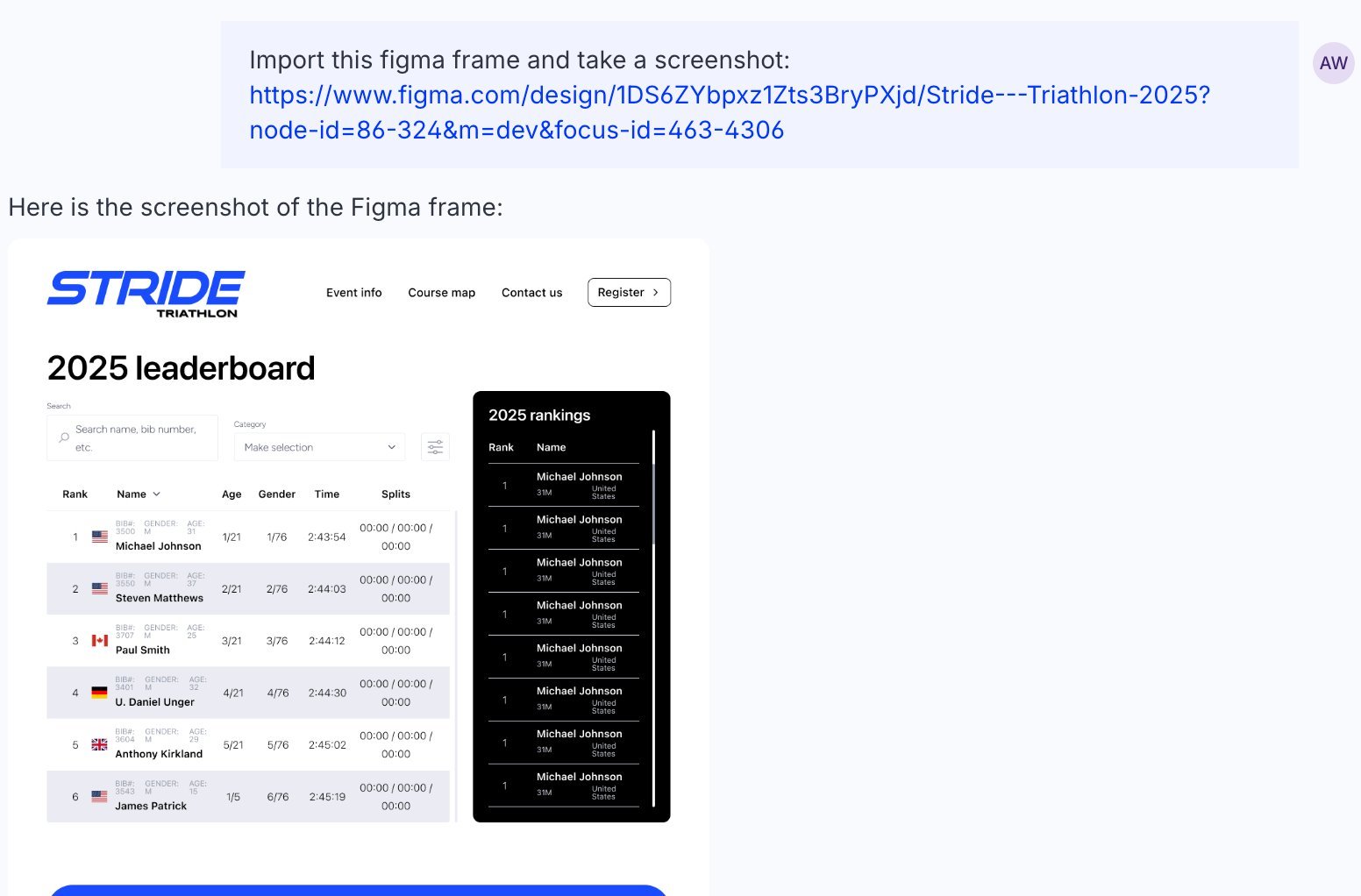
We released a handful of new tools ot connect Opal to your favorite platforms, including Figma, Crunchbase, Salesforce, MixPanel, Amplitude, and Microsoft Office. Plus Atlassian and Conductor MCPs.
UX Delights
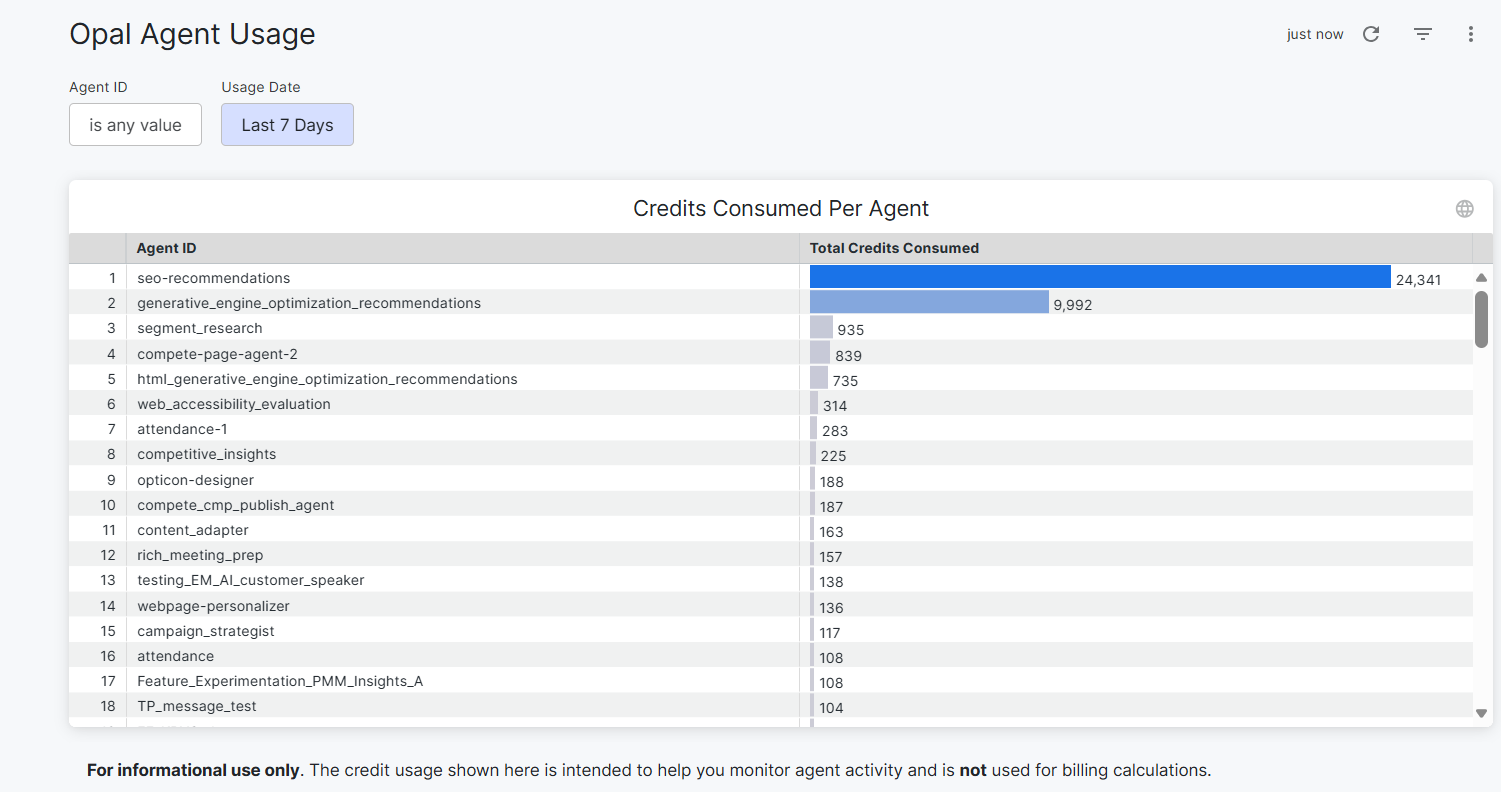
- See the credits consumed by any agent execution in execution logs. Gives builders the transparency they need to make informed decisions about agent design
- Export execution logs for reporting, analysis, compliance and troubleshooting
- Opal admins see a detailed history of who created or updated anagent (and when), as well as the ability to restore a previous version.
-
View specialized agent details in the workflow builder to bring all the information you need into one place
-
Condition cards can handle multiple logic, removing the need for multiple branches
-
Clicking a workflow agent brings you directly into the workflow builder so you can make tweaks fast
-
Stop agent execution from the workflow to keep an agent from running unnecessarily